Rooftop View, an itinerary of the good roofs
Cut the haze. Keep the city warm.
Rooftop View cuts the haze off a skyline, grades the sky down to the horizon and leaves the city its own warmth. One tap in the free Lightroom app on iPhone and Android, or in Lightroom Classic.
For city and travel photographers who climb for the view and want the file to match it.
- Works in the free Lightroom app
- Lightroom Classic and desktop too
- Instant download
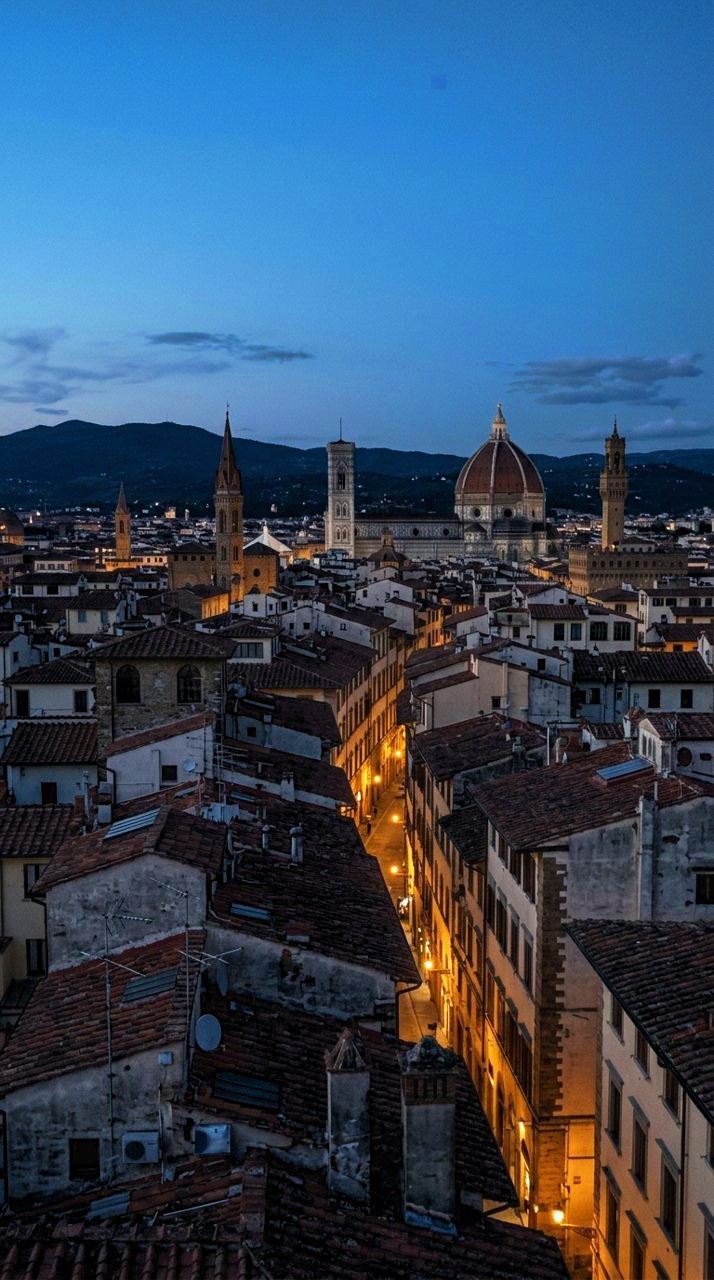
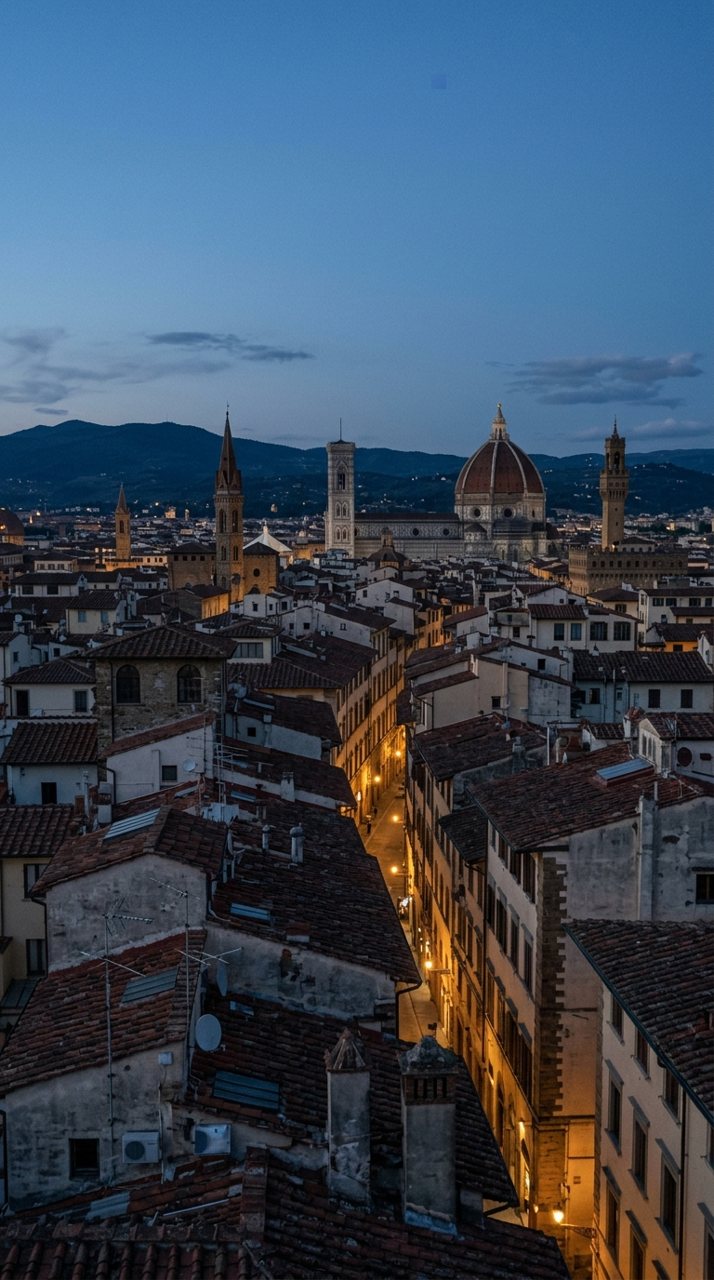
see it
Where you stood
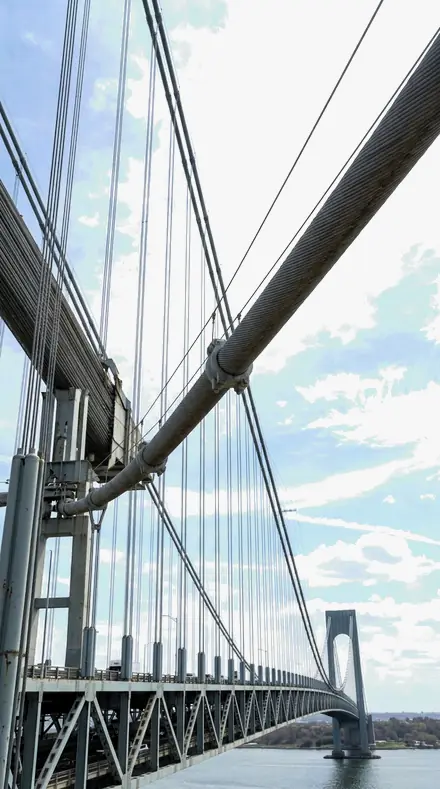
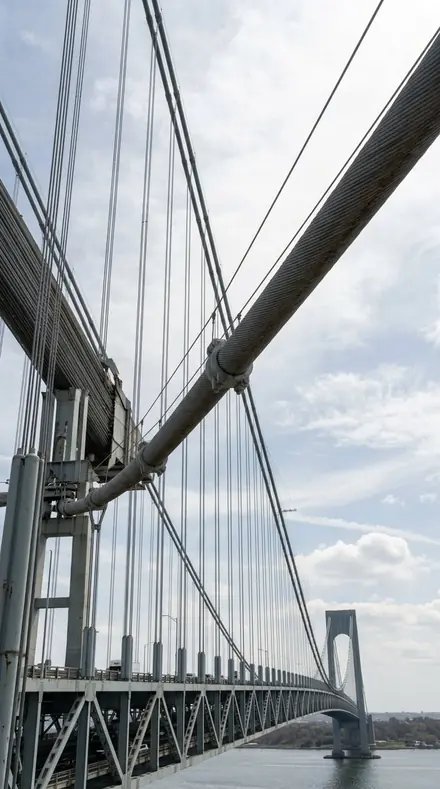
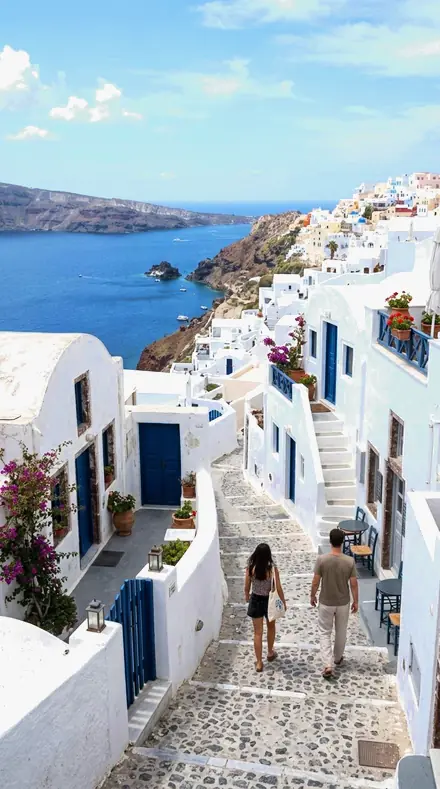
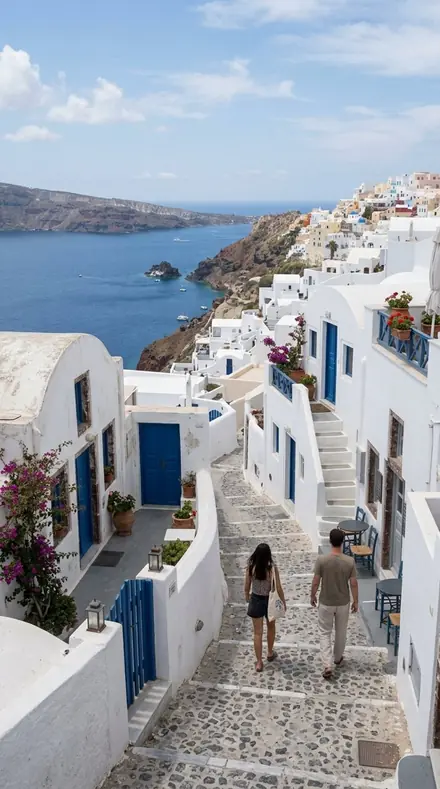
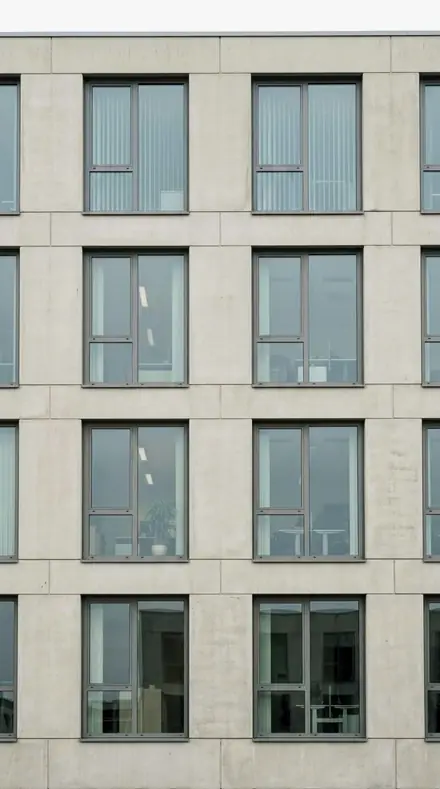
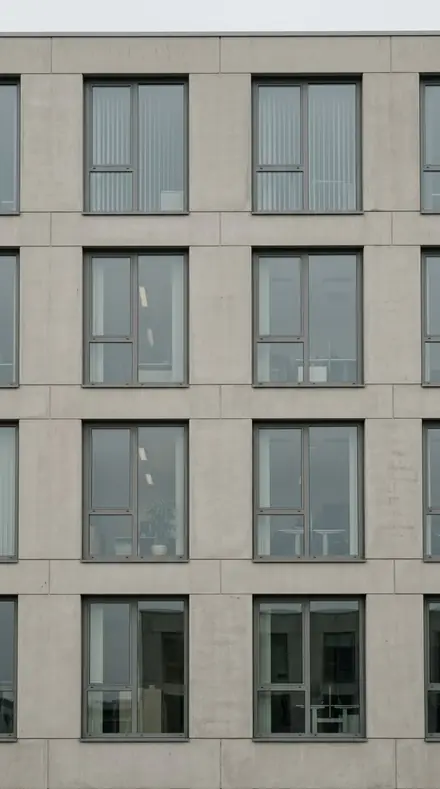
Every skyline has haze between you and it, and a sky that goes white at the horizon. Rooftop Parapet is the reference: dehaze over distance, blue luminance pulled so the sky grades down to the roofline, and the orange in the brick and the streets left in. Water Tank pushes the dehaze to the family maximum for the longest views. Horizon Band is the gentlest, for a soft distance.
The view leg is the skyline. Distant Ridge cools the grade for atmospheric separation when there are hills behind. Skyline Haze puts blue saturation at the top of the range for a hazy day where the sky is the subject. Terrace Balustrade holds the blue hardest and keeps the near railing neutral.
The roof leg is underfoot. Aerial Grid keeps the near plant from being crunched. Air Handler and Roof Ladder lead with sharpening for mechanical units and thin metal. Tar Deck takes the blacks deep and opens the shadows on the felt. Antenna Mast pulls the highlights so a mast stays dark against bright sky. Gravel Roof, Vent Stack, Helipad Circle and Crane Boom each answer one thing on a working roof. The city leg looks down: Chimney Field carries the brick across the distance, Block Pattern reads the city as geometry, Avenue Run keeps the street floor warm.
Apply at the parapet, before you climb down. Everything stays adjustable.
the itinerary
The Stops
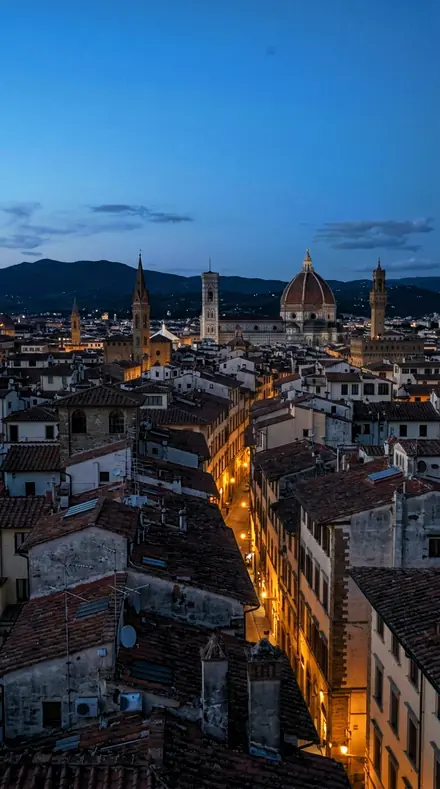
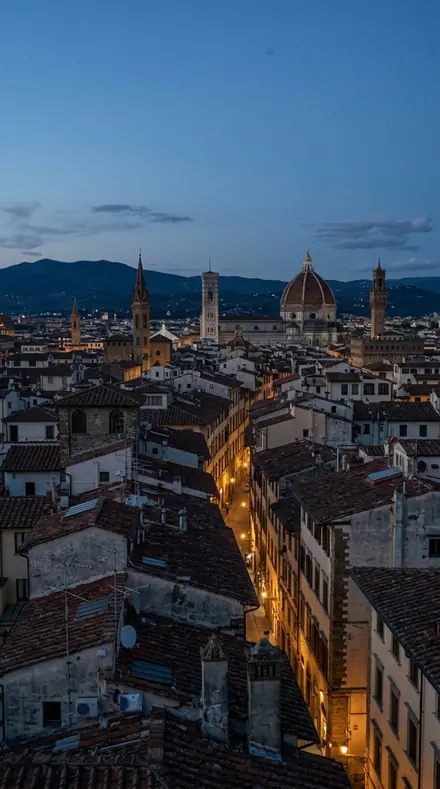
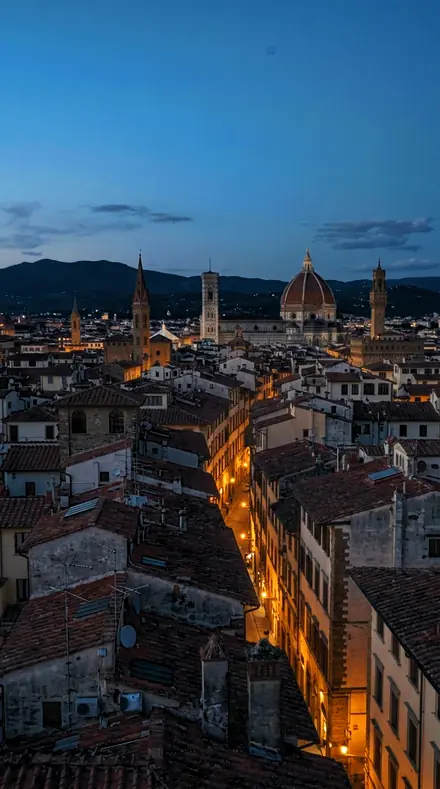
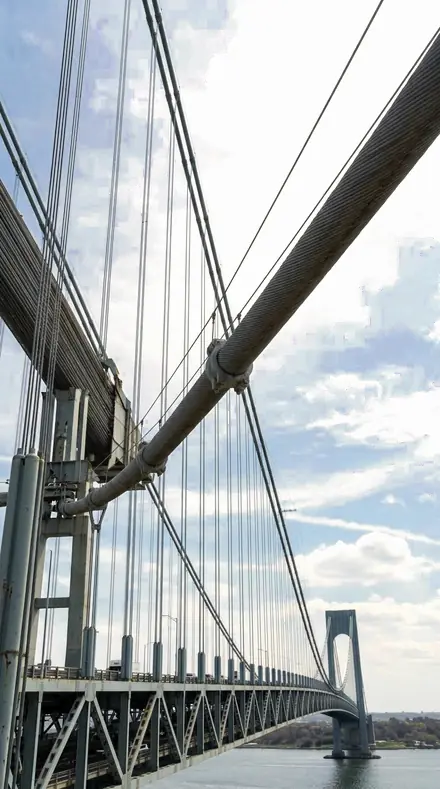
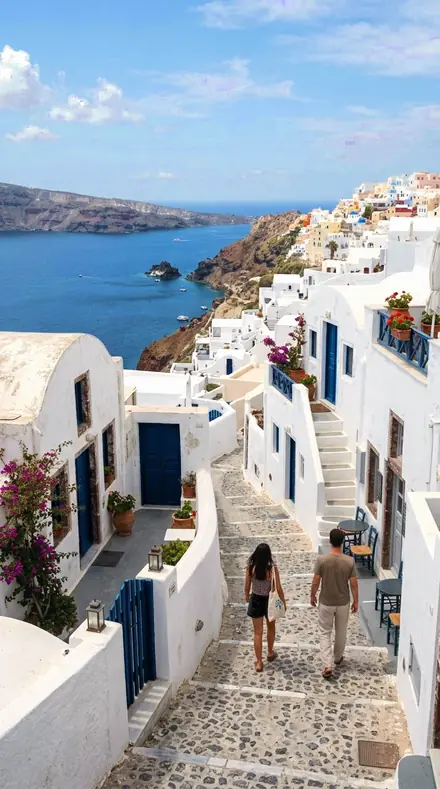
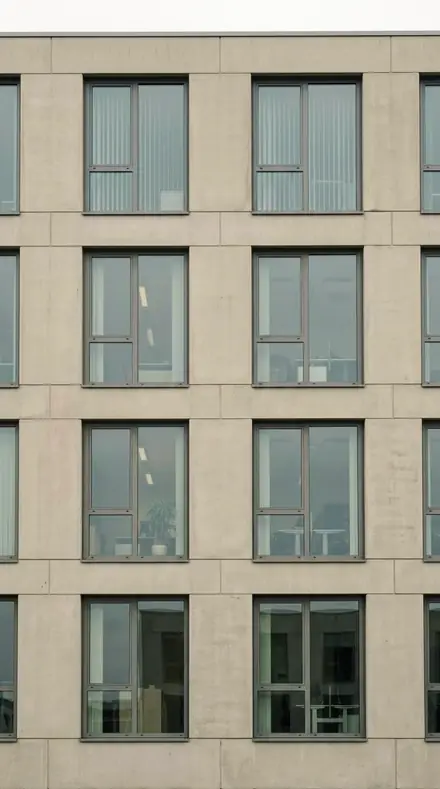
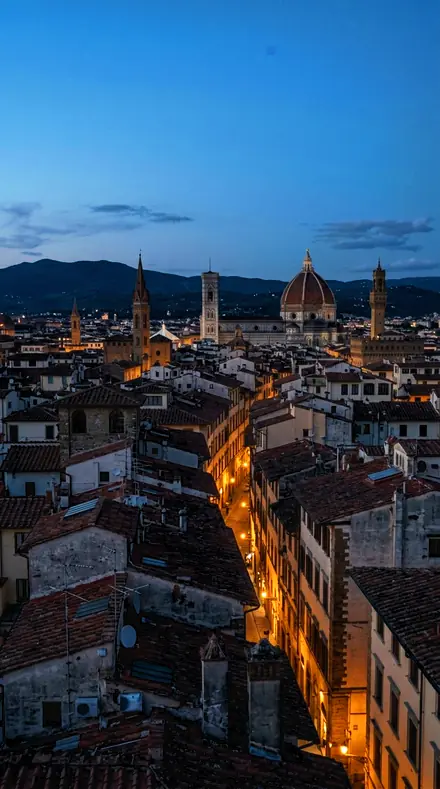
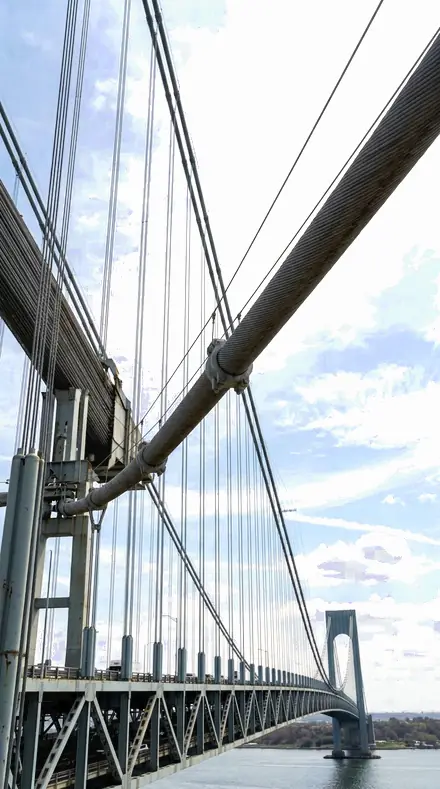
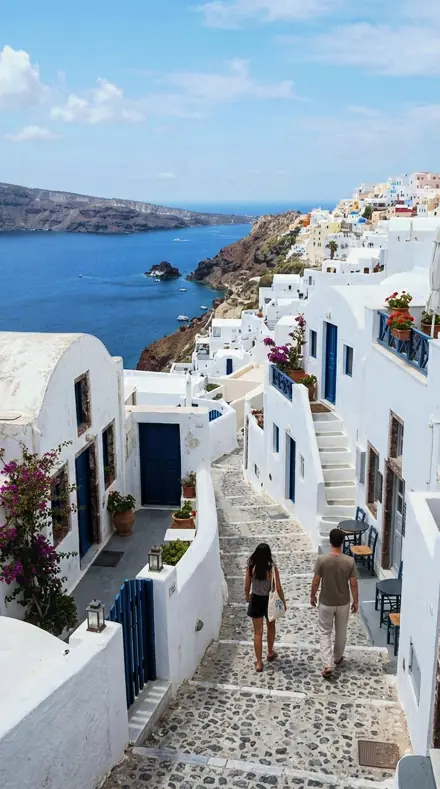
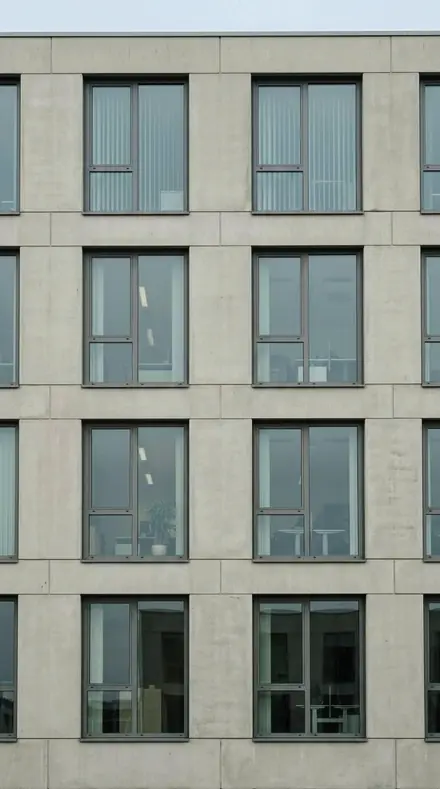
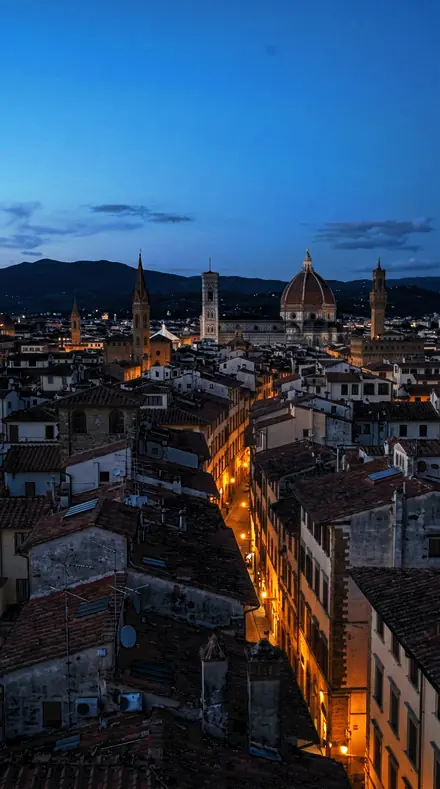
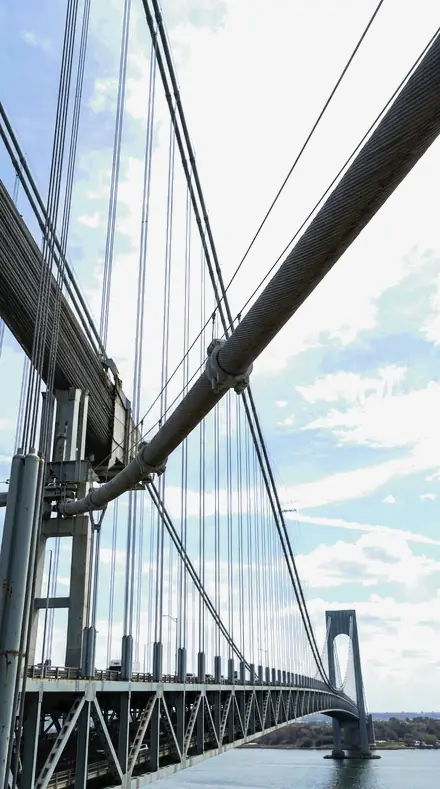
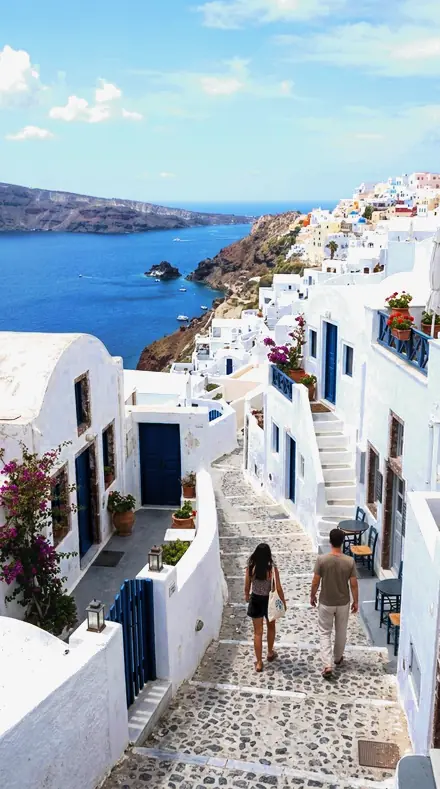
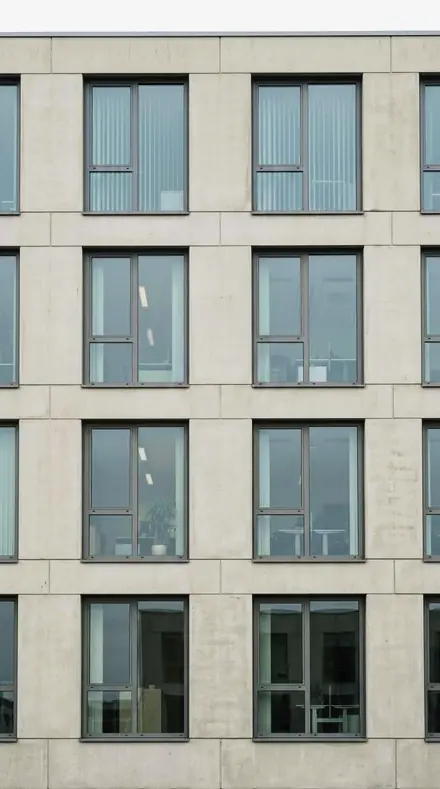
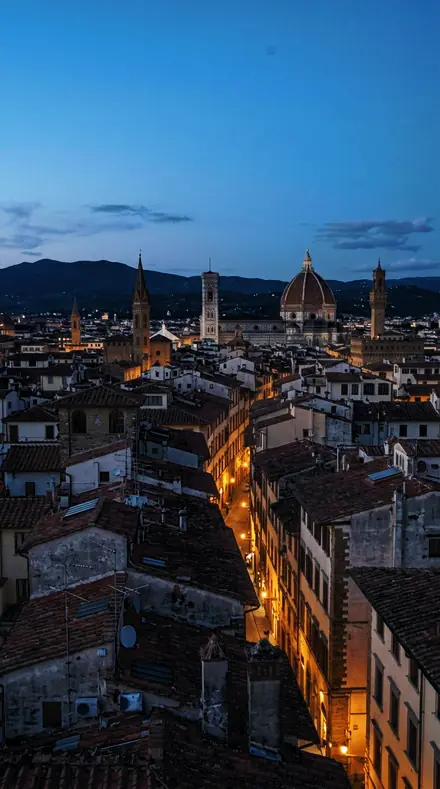
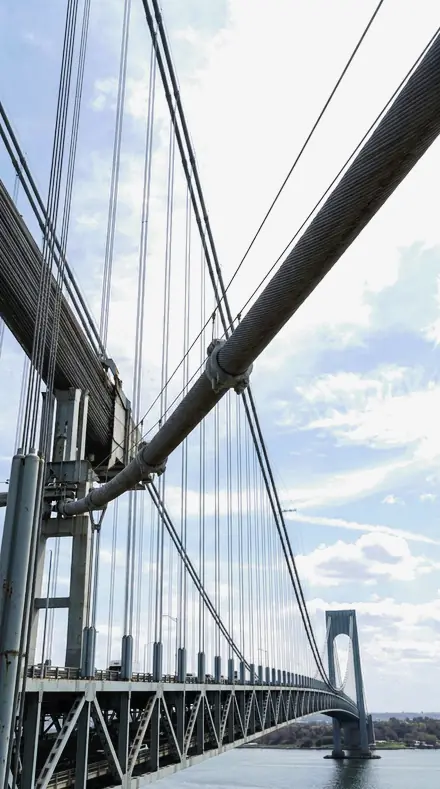
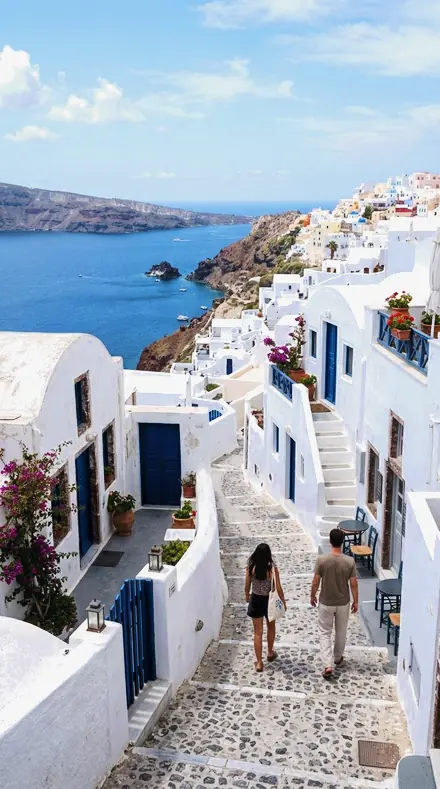
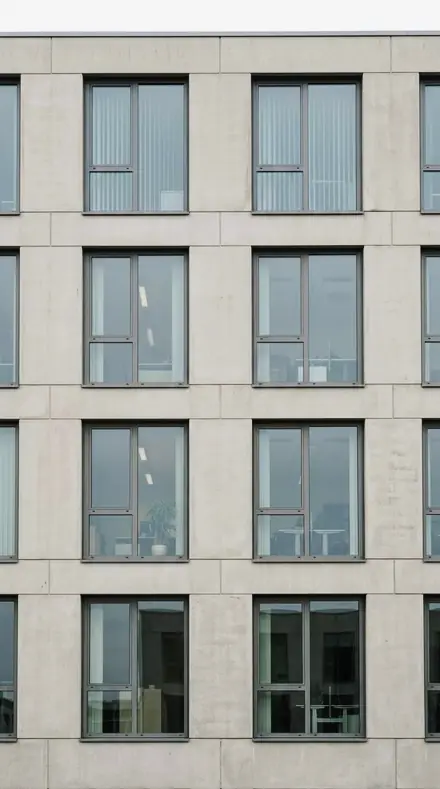
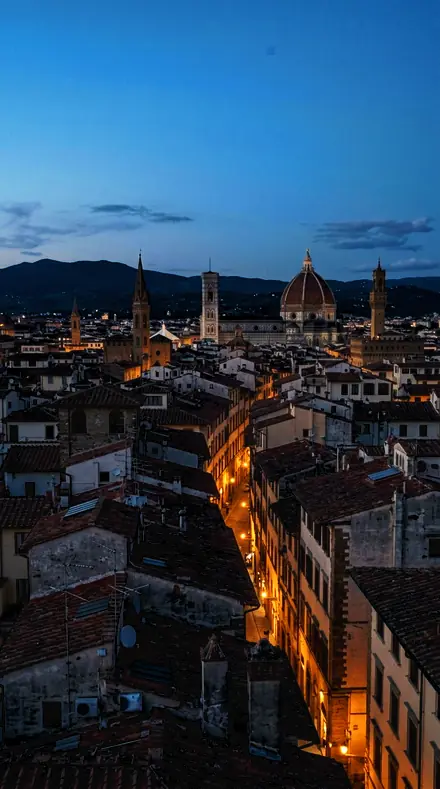
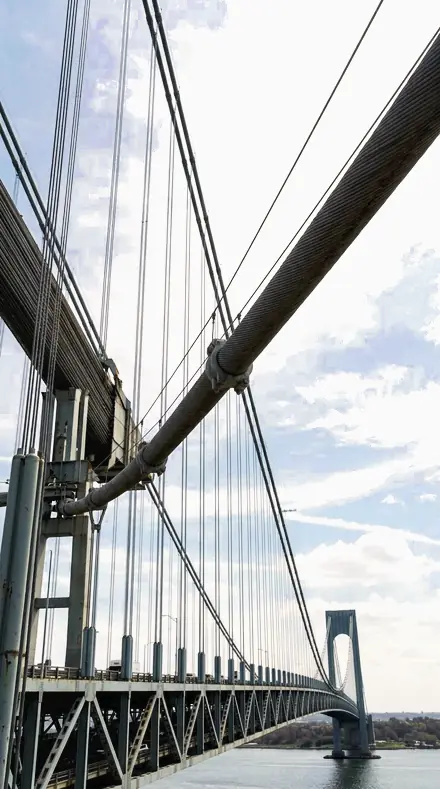
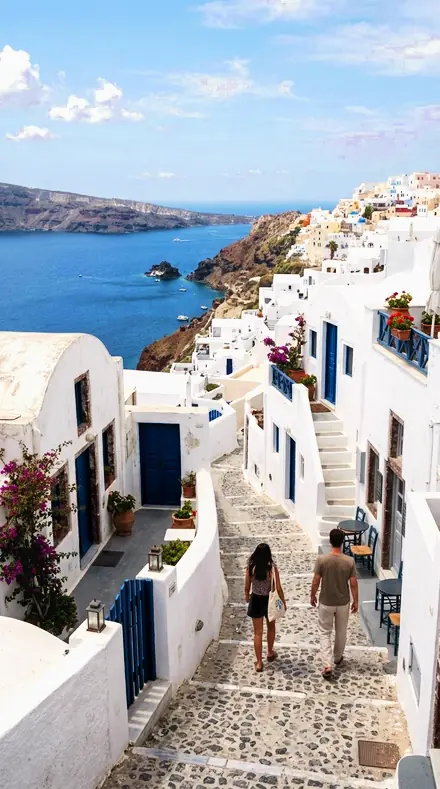
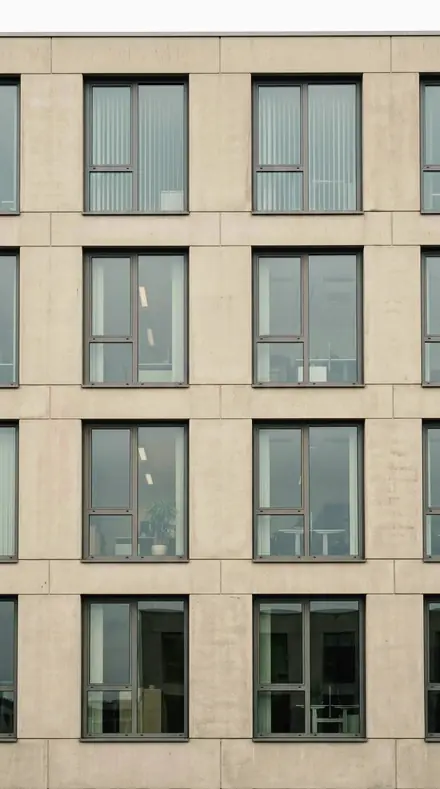
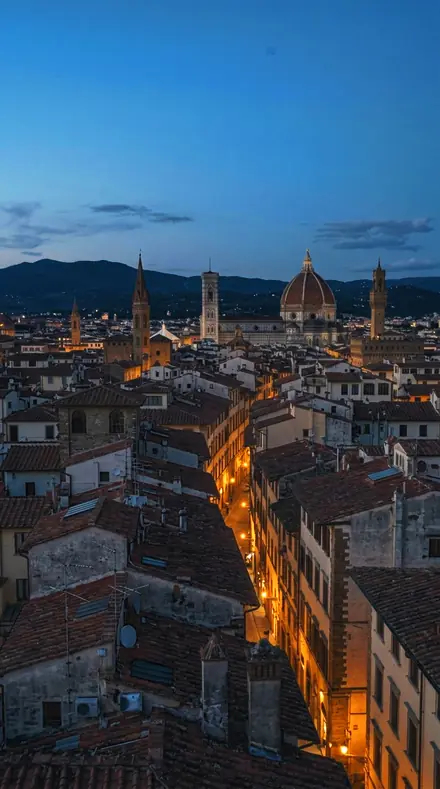
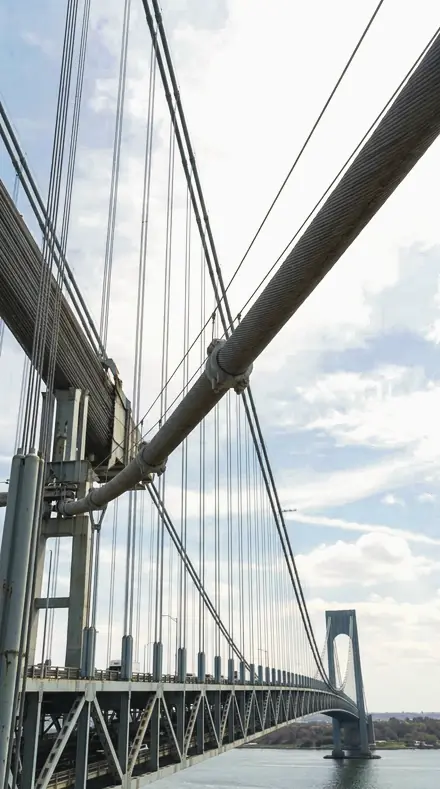
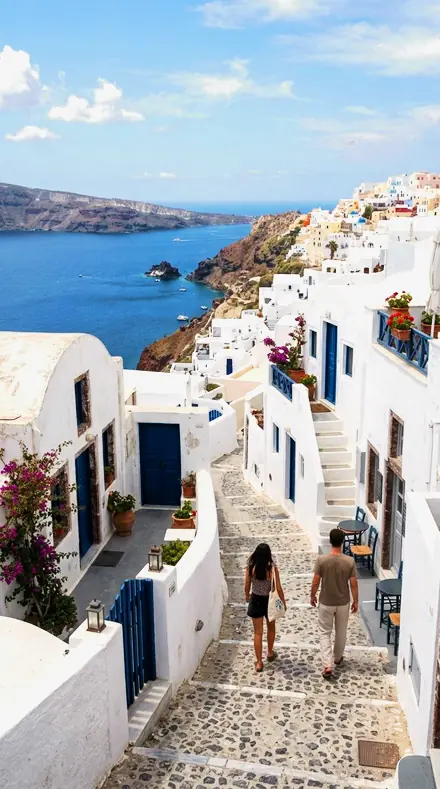
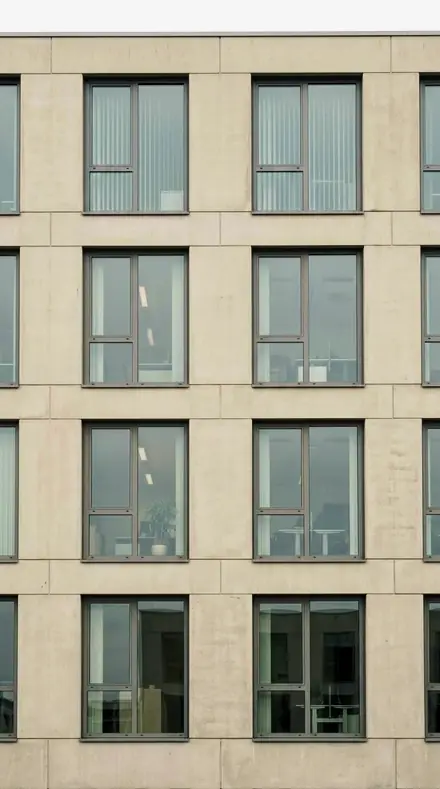
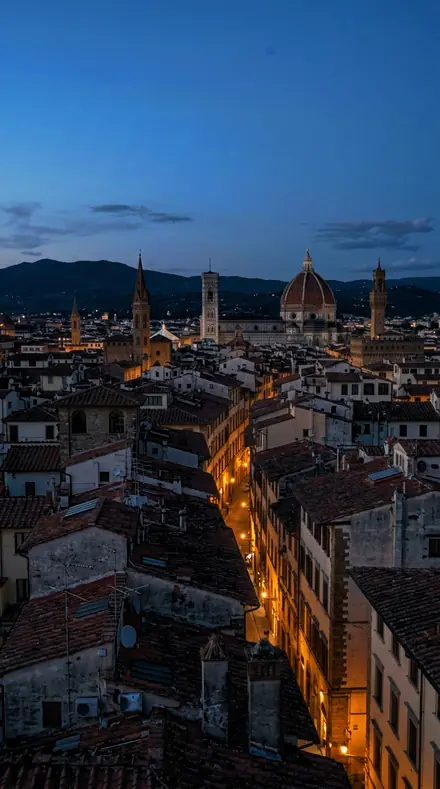
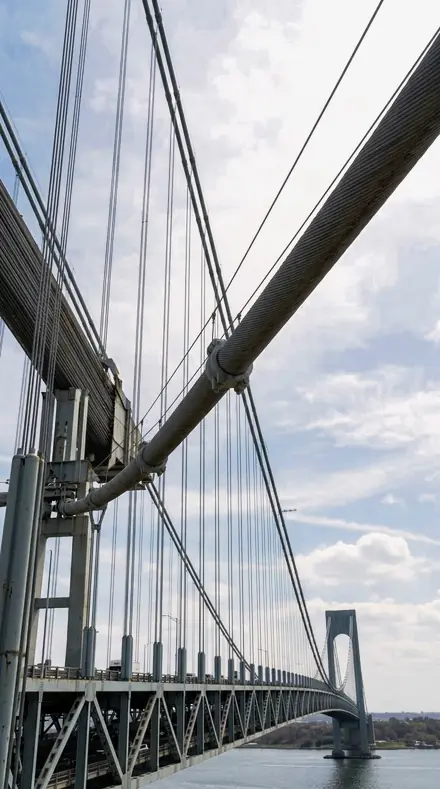
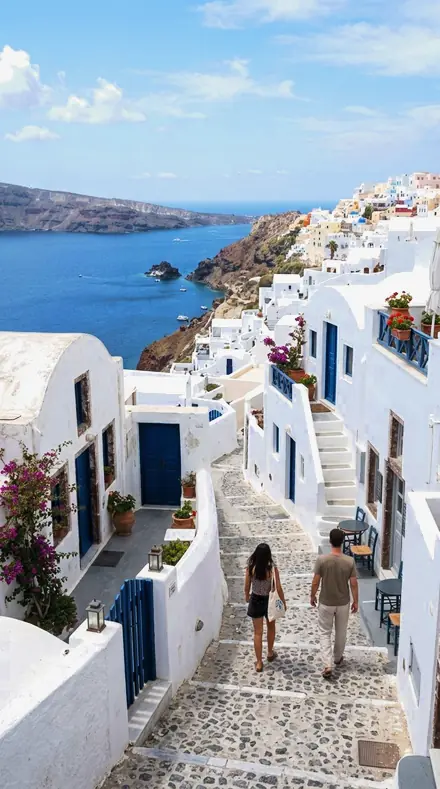
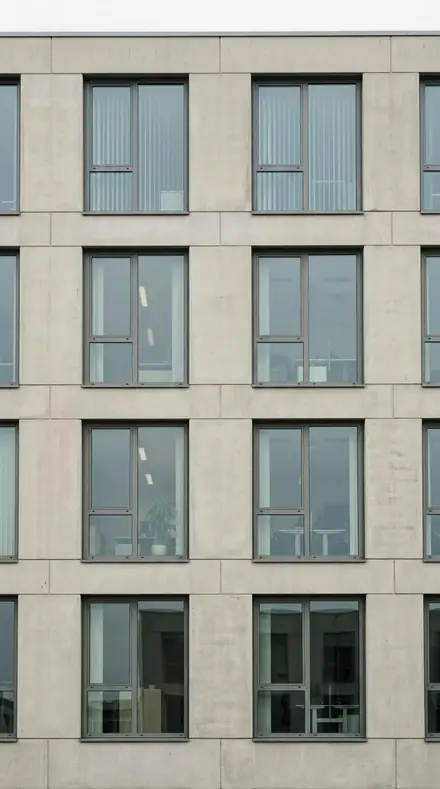
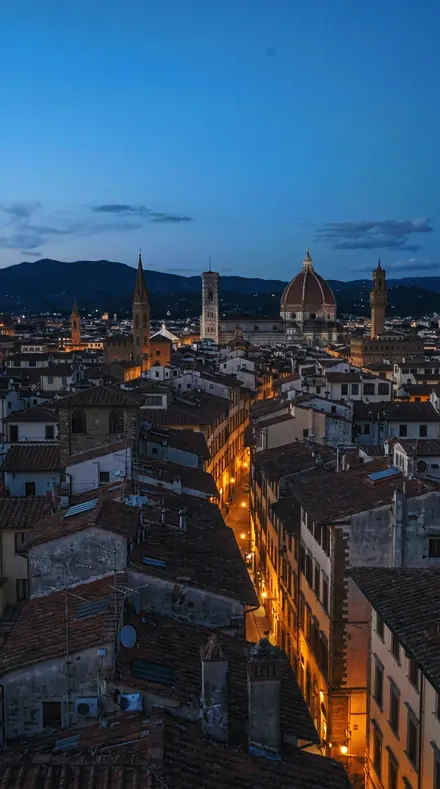
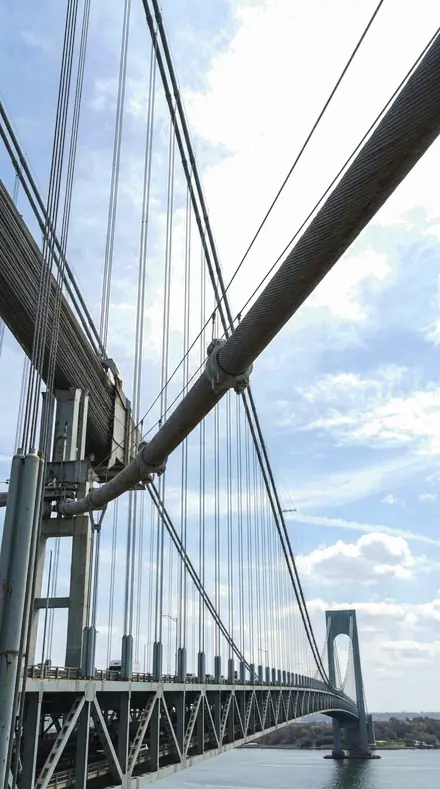
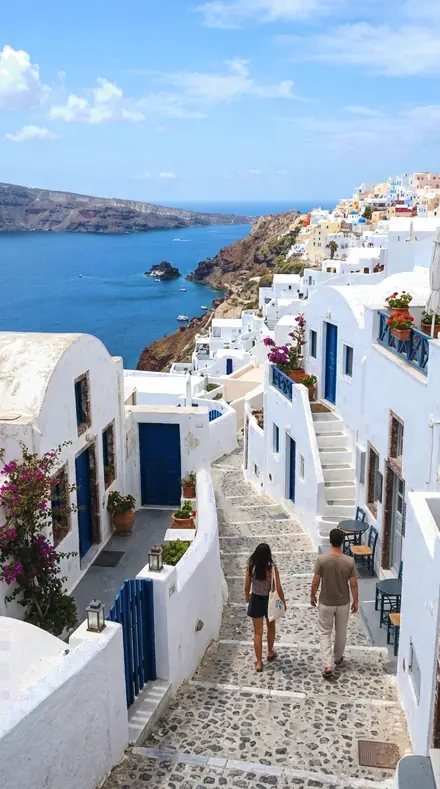
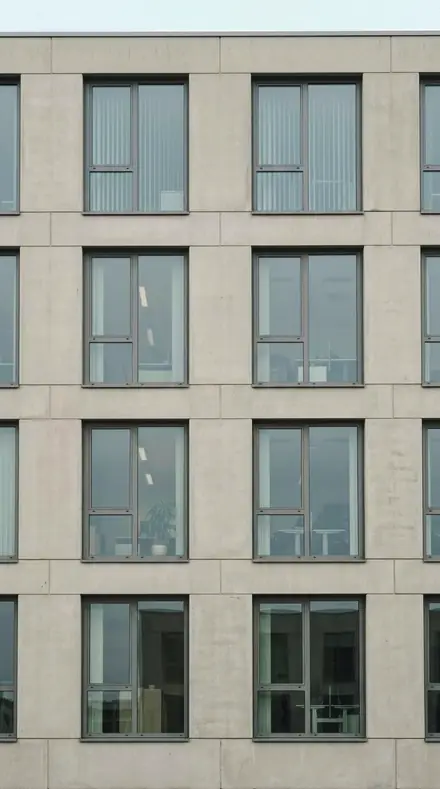
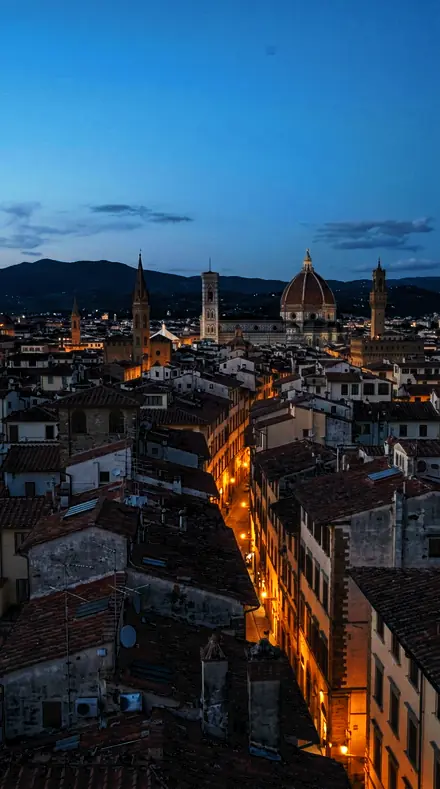
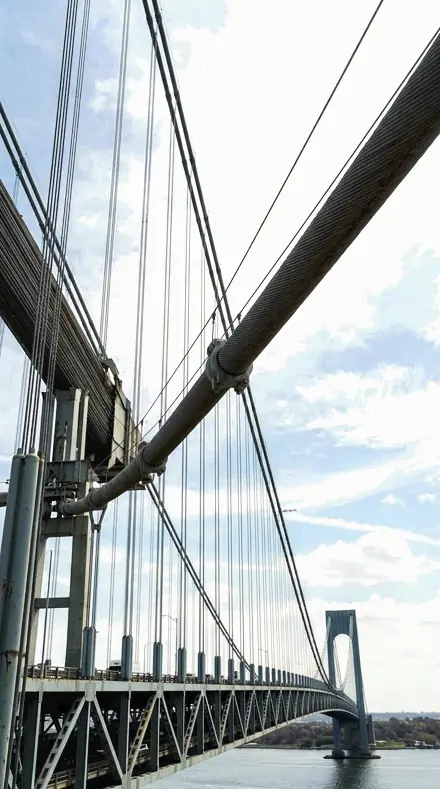
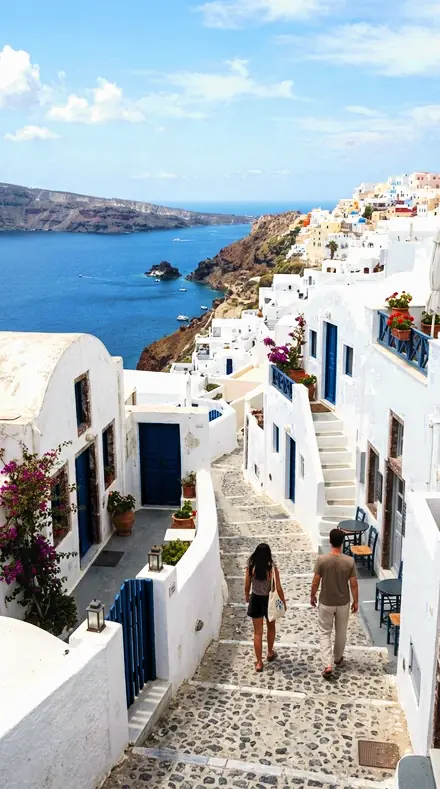
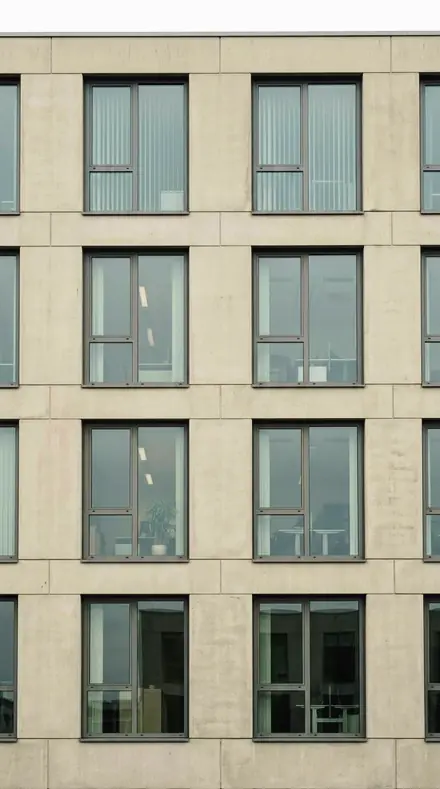
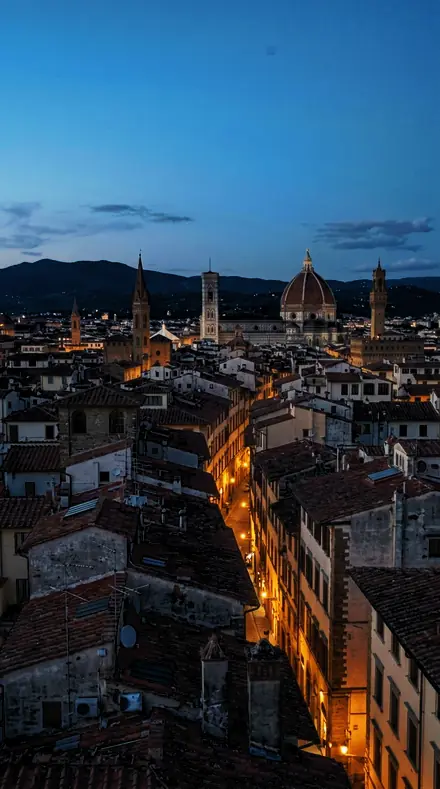
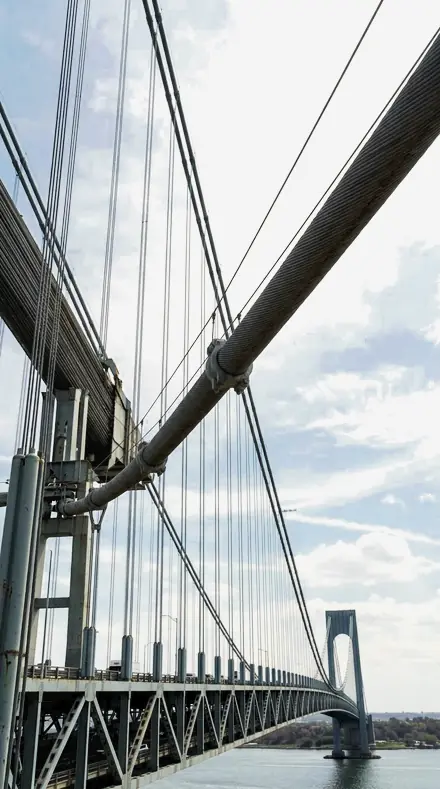
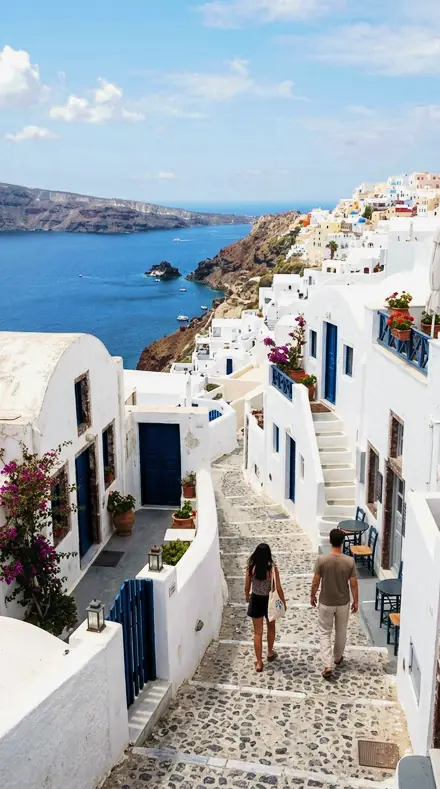
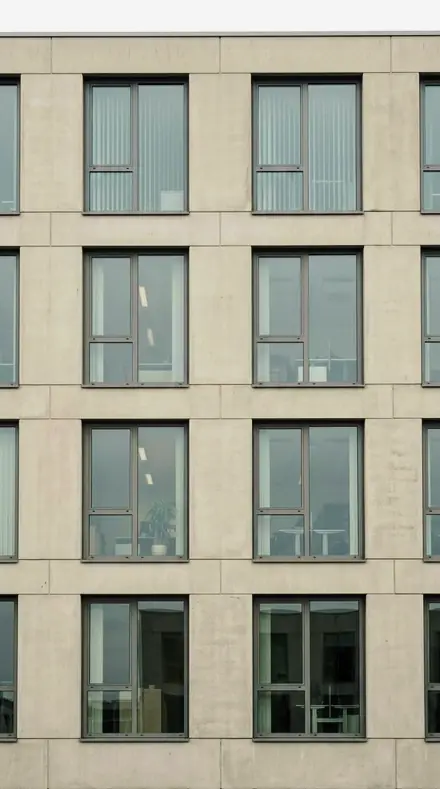
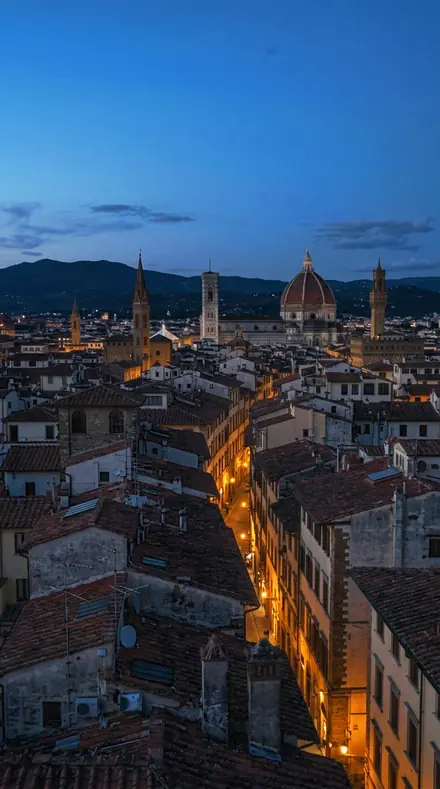
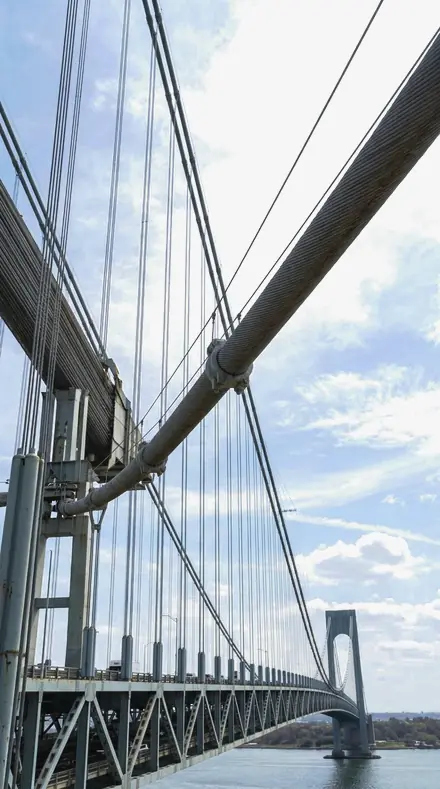
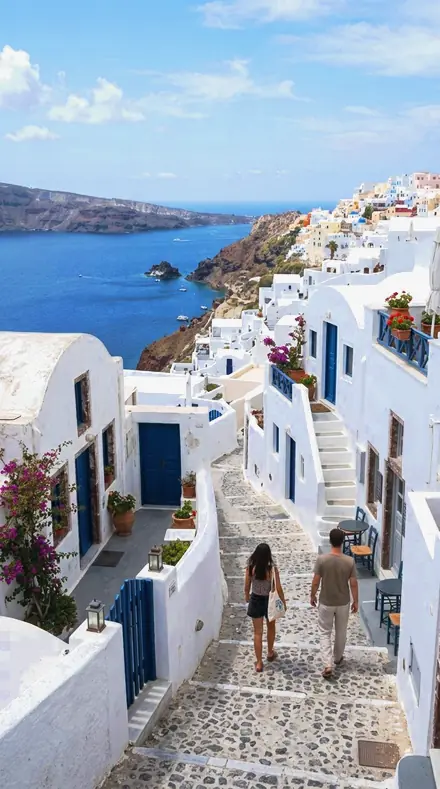
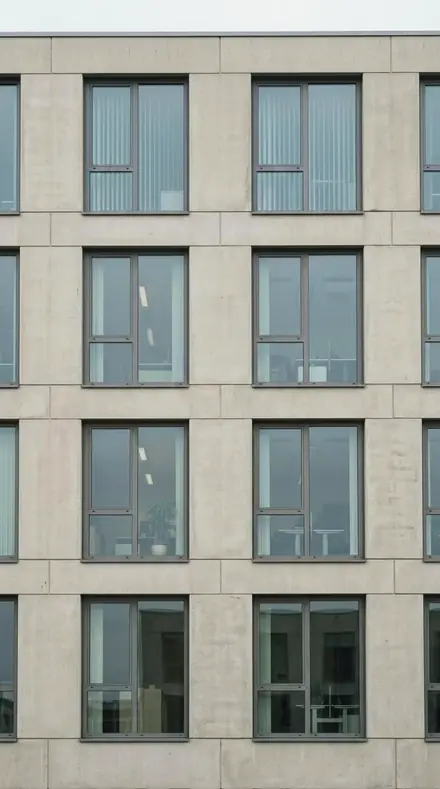
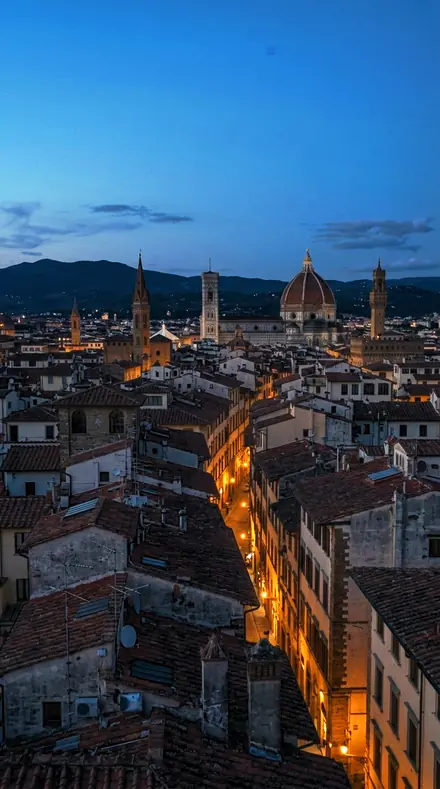
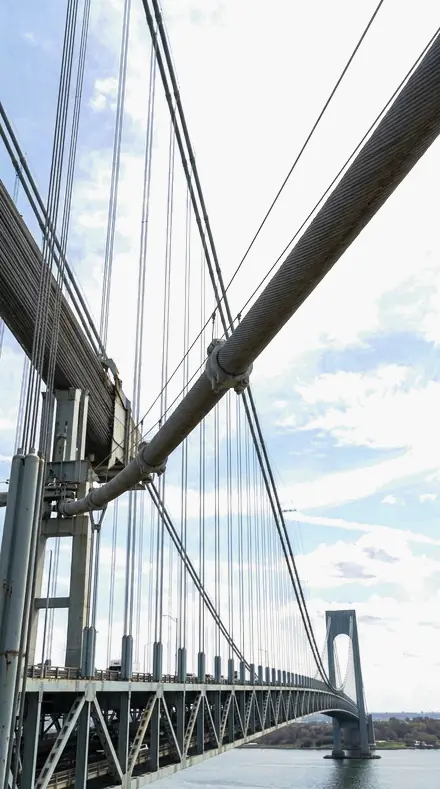
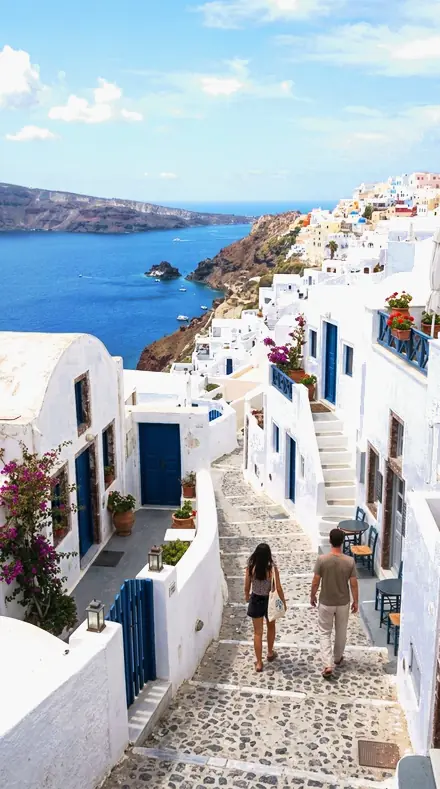
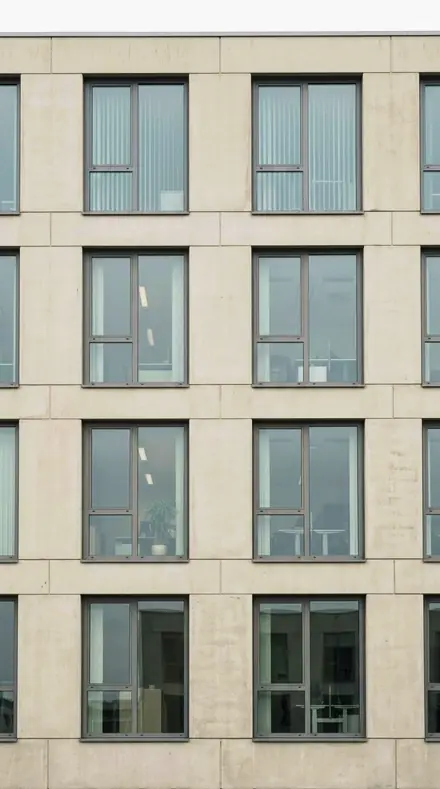
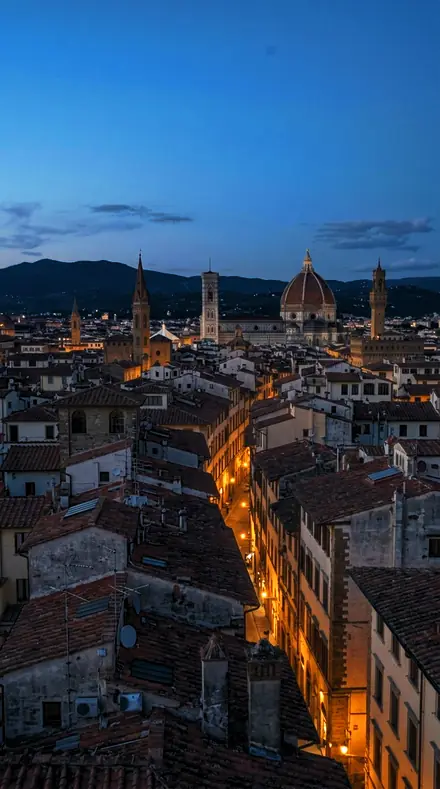
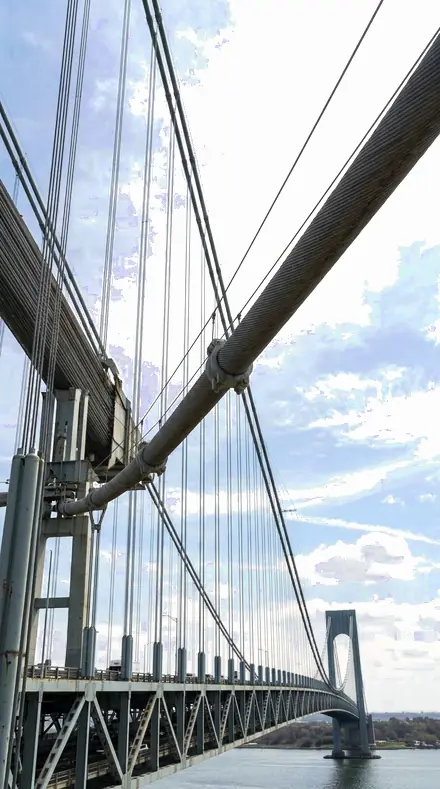
View, roof and city, each stop on the same four frames, a rooftop at dusk, a bridge, a coast and a facade.
The view
6 presetsThe skyline itself. Haze cut over distance, sky graded down to the horizon line.
day 01Rooftop Parapetthe reference skyline grade: haze cut over distance, sky graded down, the city's own warmth left in
![Rooftop Parapet applied to Stop one, the parapet at dusk]()
![Before: Stop one, the parapet at dusk]()
Stop one, the parapet at dusk ![Rooftop Parapet applied to Stop two, the cables against a graded sky]()
![Before: Stop two, the cables against a graded sky]()
Stop two, the cables against a graded sky ![Rooftop Parapet applied to Stop three, the long view to the water]()
![Before: Stop three, the long view to the water]()
Stop three, the long view to the water ![Rooftop Parapet applied to Stop four, the block pattern from above]()
![Before: Stop four, the block pattern from above]()
Stop four, the block pattern from above Drag the handle. Left is the original, right is Rooftop Parapet. Rendered from the preset's own settings, not a Lightroom export, so the real thing carries a little more bite.
day 02Water Tanka long view to the horizon: dehaze at the family maximum, blue luminance lowest for a graded sky
![Water Tank applied to Stop one, the parapet at dusk]()
![Before: Stop one, the parapet at dusk]()
Stop one, the parapet at dusk ![Water Tank applied to Stop two, the cables against a graded sky]()
![Before: Stop two, the cables against a graded sky]()
Stop two, the cables against a graded sky ![Water Tank applied to Stop three, the long view to the water]()
![Before: Stop three, the long view to the water]()
Stop three, the long view to the water ![Water Tank applied to Stop four, the block pattern from above]()
![Before: Stop four, the block pattern from above]()
Stop four, the block pattern from above Drag the handle. Left is the original, right is Water Tank. Rendered from the preset's own settings, not a Lightroom export, so the real thing carries a little more bite.
day 04Distant Ridgethe far edge of a view with hills behind: clarity high, global grading cool for atmospheric separation
![Distant Ridge applied to Stop one, the parapet at dusk]()
![Before: Stop one, the parapet at dusk]()
Stop one, the parapet at dusk ![Distant Ridge applied to Stop two, the cables against a graded sky]()
![Before: Stop two, the cables against a graded sky]()
Stop two, the cables against a graded sky ![Distant Ridge applied to Stop three, the long view to the water]()
![Before: Stop three, the long view to the water]()
Stop three, the long view to the water ![Distant Ridge applied to Stop four, the block pattern from above]()
![Before: Stop four, the block pattern from above]()
Stop four, the block pattern from above Drag the handle. Left is the original, right is Distant Ridge. Rendered from the preset's own settings, not a Lightroom export, so the real thing carries a little more bite.
day 07Skyline Hazea hazy day where the sky is the subject: blue saturation top of range with the strong dehaze
![Skyline Haze applied to Stop one, the parapet at dusk]()
![Before: Stop one, the parapet at dusk]()
Stop one, the parapet at dusk ![Skyline Haze applied to Stop two, the cables against a graded sky]()
![Before: Stop two, the cables against a graded sky]()
Stop two, the cables against a graded sky ![Skyline Haze applied to Stop three, the long view to the water]()
![Before: Stop three, the long view to the water]()
Stop three, the long view to the water ![Skyline Haze applied to Stop four, the block pattern from above]()
![Before: Stop four, the block pattern from above]()
Stop four, the block pattern from above Drag the handle. Left is the original, right is Skyline Haze. Rendered from the preset's own settings, not a Lightroom export, so the real thing carries a little more bite.
day 15Horizon Bandthe horizon line itself: the gentlest of the family, highlight grading lifted for a soft distance
![Horizon Band applied to Stop one, the parapet at dusk]()
![Before: Stop one, the parapet at dusk]()
Stop one, the parapet at dusk ![Horizon Band applied to Stop two, the cables against a graded sky]()
![Before: Stop two, the cables against a graded sky]()
Stop two, the cables against a graded sky ![Horizon Band applied to Stop three, the long view to the water]()
![Before: Stop three, the long view to the water]()
Stop three, the long view to the water ![Horizon Band applied to Stop four, the block pattern from above]()
![Before: Stop four, the block pattern from above]()
Stop four, the block pattern from above Drag the handle. Left is the original, right is Horizon Band. Rendered from the preset's own settings, not a Lightroom export, so the real thing carries a little more bite.
day 18Terrace Balustradea balustrade with the view behind it: dehaze mid, blue held hardest, near railing kept neutral
![Terrace Balustrade applied to Stop one, the parapet at dusk]()
![Before: Stop one, the parapet at dusk]()
Stop one, the parapet at dusk ![Terrace Balustrade applied to Stop two, the cables against a graded sky]()
![Before: Stop two, the cables against a graded sky]()
Stop two, the cables against a graded sky ![Terrace Balustrade applied to Stop three, the long view to the water]()
![Before: Stop three, the long view to the water]()
Stop three, the long view to the water ![Terrace Balustrade applied to Stop four, the block pattern from above]()
![Before: Stop four, the block pattern from above]()
Stop four, the block pattern from above Drag the handle. Left is the original, right is Terrace Balustrade. Rendered from the preset's own settings, not a Lightroom export, so the real thing carries a little more bite.
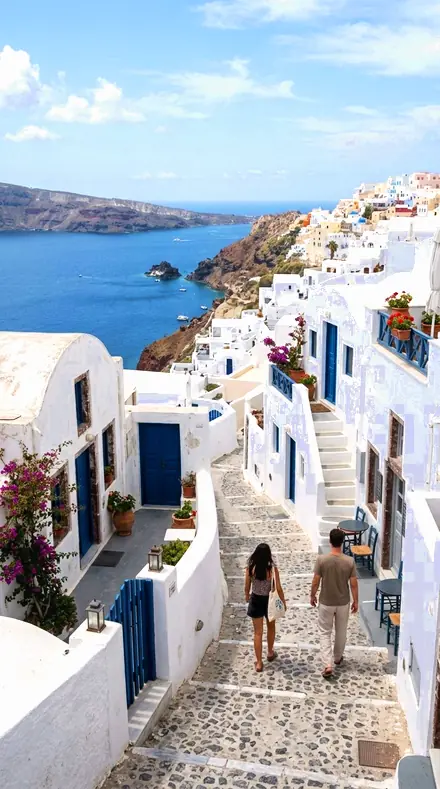
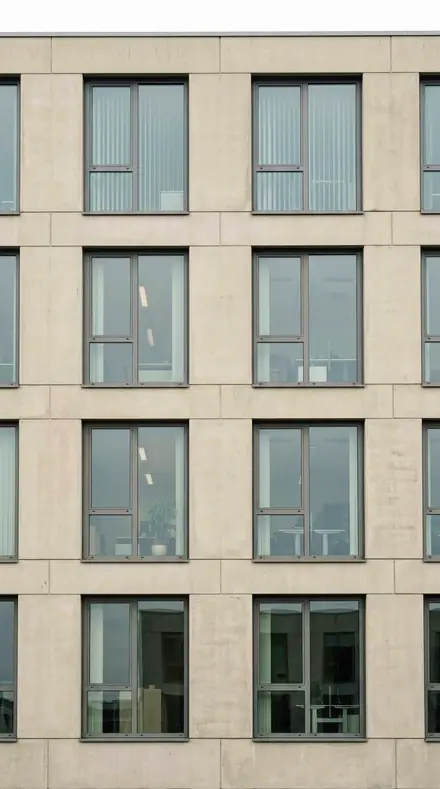
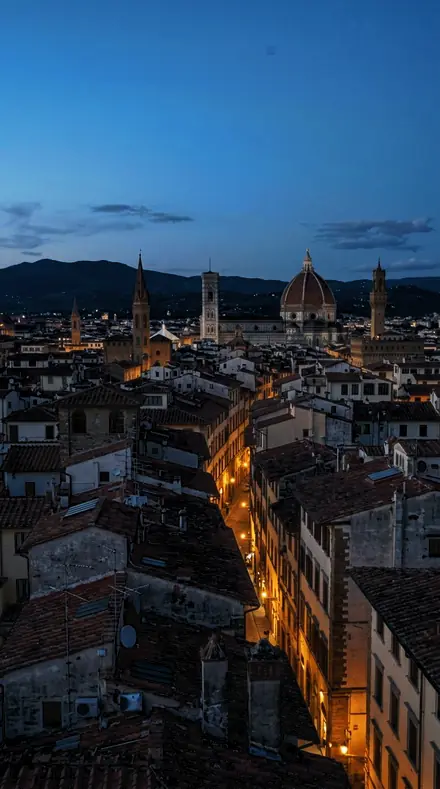
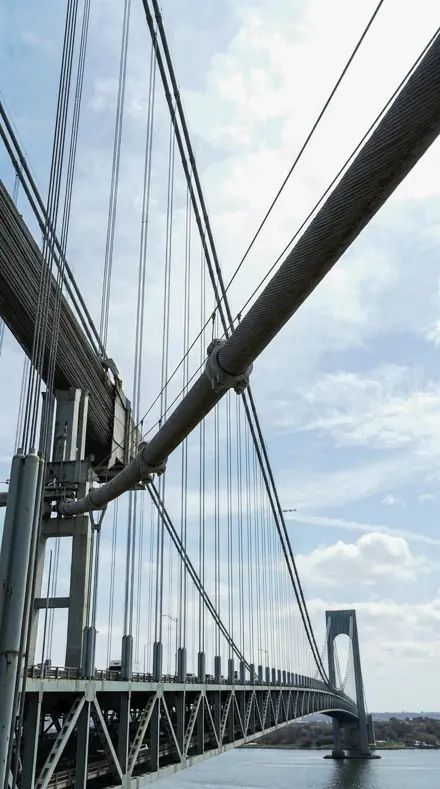
The roof
9 presetsUnderfoot. Plant, tanks, ladders, masts, gravel and felt, each sharpened for what it is.
day 03Aerial Gridroof plant and tanks in the foreground: texture forward, dehaze mid so the near detail is not crunched
![Aerial Grid applied to Stop one, the parapet at dusk]()
![Before: Stop one, the parapet at dusk]()
Stop one, the parapet at dusk ![Aerial Grid applied to Stop two, the cables against a graded sky]()
![Before: Stop two, the cables against a graded sky]()
Stop two, the cables against a graded sky ![Aerial Grid applied to Stop three, the long view to the water]()
![Before: Stop three, the long view to the water]()
Stop three, the long view to the water ![Aerial Grid applied to Stop four, the block pattern from above]()
![Before: Stop four, the block pattern from above]()
Stop four, the block pattern from above Drag the handle. Left is the original, right is Aerial Grid. Rendered from the preset's own settings, not a Lightroom export, so the real thing carries a little more bite.
day 06Air Handlermechanical units on a flat roof: sharpening high in the family, colour barely moved
![Air Handler applied to Stop one, the parapet at dusk]()
![Before: Stop one, the parapet at dusk]()
Stop one, the parapet at dusk ![Air Handler applied to Stop two, the cables against a graded sky]()
![Before: Stop two, the cables against a graded sky]()
Stop two, the cables against a graded sky ![Air Handler applied to Stop three, the long view to the water]()
![Before: Stop three, the long view to the water]()
Stop three, the long view to the water ![Air Handler applied to Stop four, the block pattern from above]()
![Before: Stop four, the block pattern from above]()
Stop four, the block pattern from above Drag the handle. Left is the original, right is Air Handler. Rendered from the preset's own settings, not a Lightroom export, so the real thing carries a little more bite.
day 08Helipad Circlea marked landing circle underfoot: lightly saturated for the set, so the paint reads as paint
![Helipad Circle applied to Stop one, the parapet at dusk]()
![Before: Stop one, the parapet at dusk]()
Stop one, the parapet at dusk ![Helipad Circle applied to Stop two, the cables against a graded sky]()
![Before: Stop two, the cables against a graded sky]()
Stop two, the cables against a graded sky ![Helipad Circle applied to Stop three, the long view to the water]()
![Before: Stop three, the long view to the water]()
Stop three, the long view to the water ![Helipad Circle applied to Stop four, the block pattern from above]()
![Before: Stop four, the block pattern from above]()
Stop four, the block pattern from above Drag the handle. Left is the original, right is Helipad Circle. Rendered from the preset's own settings, not a Lightroom export, so the real thing carries a little more bite.
day 09Roof Ladderaccess ladders and thin metal: edge detail led by sharpening radius at the family low, for fine lines
![Roof Ladder applied to Stop one, the parapet at dusk]()
![Before: Stop one, the parapet at dusk]()
Stop one, the parapet at dusk ![Roof Ladder applied to Stop two, the cables against a graded sky]()
![Before: Stop two, the cables against a graded sky]()
Stop two, the cables against a graded sky ![Roof Ladder applied to Stop three, the long view to the water]()
![Before: Stop three, the long view to the water]()
Stop three, the long view to the water ![Roof Ladder applied to Stop four, the block pattern from above]()
![Before: Stop four, the block pattern from above]()
Stop four, the block pattern from above Drag the handle. Left is the original, right is Roof Ladder. Rendered from the preset's own settings, not a Lightroom export, so the real thing carries a little more bite.
day 11Tar Deckdark roofing felt and bitumen: deep blacks here, shadows still opened for surface detail
![Tar Deck applied to Stop one, the parapet at dusk]()
![Before: Stop one, the parapet at dusk]()
Stop one, the parapet at dusk ![Tar Deck applied to Stop two, the cables against a graded sky]()
![Before: Stop two, the cables against a graded sky]()
Stop two, the cables against a graded sky ![Tar Deck applied to Stop three, the long view to the water]()
![Before: Stop three, the long view to the water]()
Stop three, the long view to the water ![Tar Deck applied to Stop four, the block pattern from above]()
![Before: Stop four, the block pattern from above]()
Stop four, the block pattern from above Drag the handle. Left is the original, right is Tar Deck. Rendered from the preset's own settings, not a Lightroom export, so the real thing carries a little more bite.
day 12Antenna Mastmasts and aerials against open sky: highlights pulled hard so thin metal stays dark against bright
![Antenna Mast applied to Stop one, the parapet at dusk]()
![Before: Stop one, the parapet at dusk]()
Stop one, the parapet at dusk ![Antenna Mast applied to Stop two, the cables against a graded sky]()
![Before: Stop two, the cables against a graded sky]()
Stop two, the cables against a graded sky ![Antenna Mast applied to Stop three, the long view to the water]()
![Before: Stop three, the long view to the water]()
Stop three, the long view to the water ![Antenna Mast applied to Stop four, the block pattern from above]()
![Before: Stop four, the block pattern from above]()
Stop four, the block pattern from above Drag the handle. Left is the original, right is Antenna Mast. Rendered from the preset's own settings, not a Lightroom export, so the real thing carries a little more bite.
day 13Gravel Roofloose gravel ballast in sun: texture and clarity together, exposure top of range
![Gravel Roof applied to Stop one, the parapet at dusk]()
![Before: Stop one, the parapet at dusk]()
Stop one, the parapet at dusk ![Gravel Roof applied to Stop two, the cables against a graded sky]()
![Before: Stop two, the cables against a graded sky]()
Stop two, the cables against a graded sky ![Gravel Roof applied to Stop three, the long view to the water]()
![Before: Stop three, the long view to the water]()
Stop three, the long view to the water ![Gravel Roof applied to Stop four, the block pattern from above]()
![Before: Stop four, the block pattern from above]()
Stop four, the block pattern from above Drag the handle. Left is the original, right is Gravel Roof. Rendered from the preset's own settings, not a Lightroom export, so the real thing carries a little more bite.
day 14Crane Booma working crane above the roofline: mid everything, aqua pulled down so the sky behind the jib stays clean
![Crane Boom applied to Stop one, the parapet at dusk]()
![Before: Stop one, the parapet at dusk]()
Stop one, the parapet at dusk ![Crane Boom applied to Stop two, the cables against a graded sky]()
![Before: Stop two, the cables against a graded sky]()
Stop two, the cables against a graded sky ![Crane Boom applied to Stop three, the long view to the water]()
![Before: Stop three, the long view to the water]()
Stop three, the long view to the water ![Crane Boom applied to Stop four, the block pattern from above]()
![Before: Stop four, the block pattern from above]()
Stop four, the block pattern from above Drag the handle. Left is the original, right is Crane Boom. Rendered from the preset's own settings, not a Lightroom export, so the real thing carries a little more bite.
day 16Vent Stackvertical pipes and stacks on a parapet: clarity high, a warm member of the set, vignette absent
![Vent Stack applied to Stop one, the parapet at dusk]()
![Before: Stop one, the parapet at dusk]()
Stop one, the parapet at dusk ![Vent Stack applied to Stop two, the cables against a graded sky]()
![Before: Stop two, the cables against a graded sky]()
Stop two, the cables against a graded sky ![Vent Stack applied to Stop three, the long view to the water]()
![Before: Stop three, the long view to the water]()
Stop three, the long view to the water ![Vent Stack applied to Stop four, the block pattern from above]()
![Before: Stop four, the block pattern from above]()
Stop four, the block pattern from above Drag the handle. Left is the original, right is Vent Stack. Rendered from the preset's own settings, not a Lightroom export, so the real thing carries a little more bite.
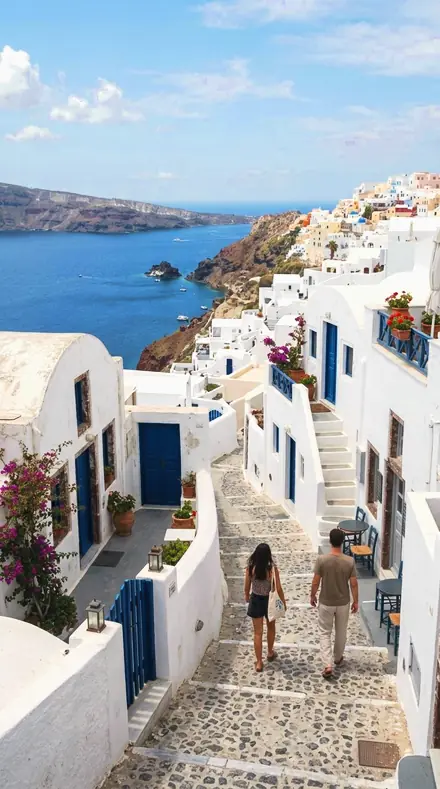
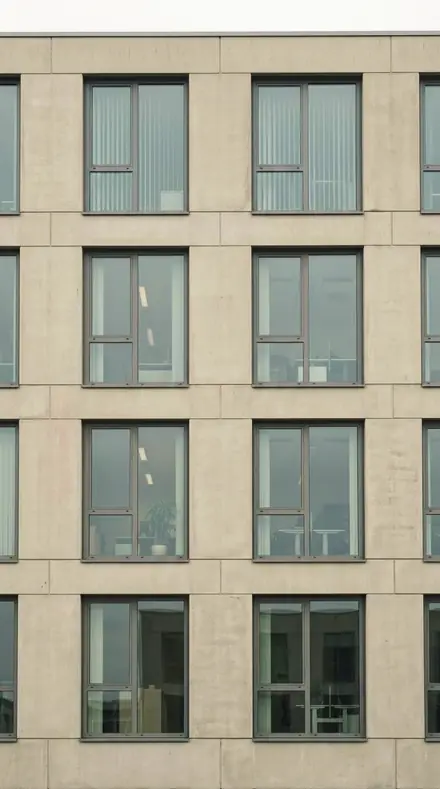
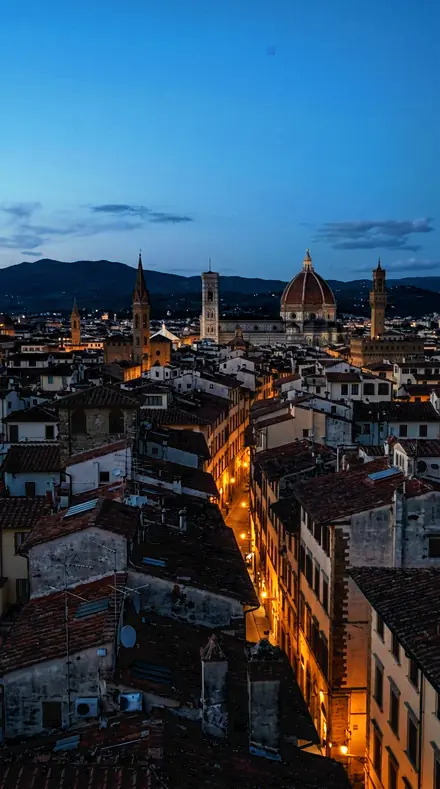
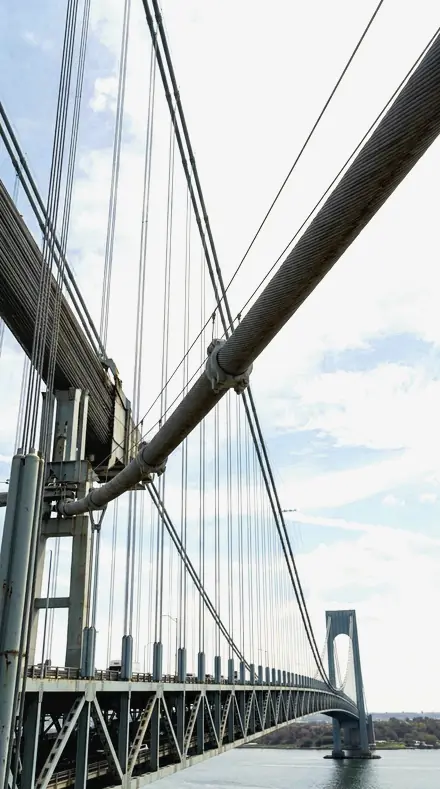
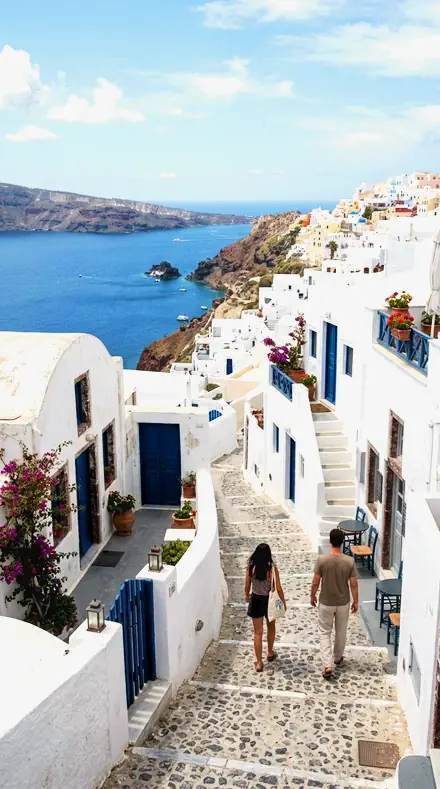
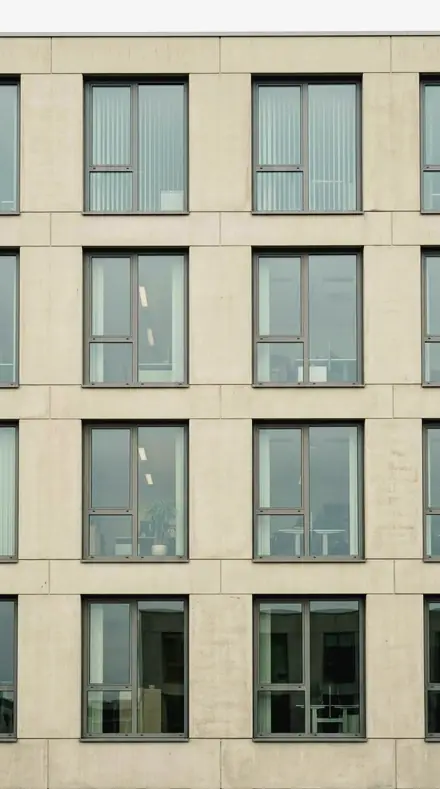
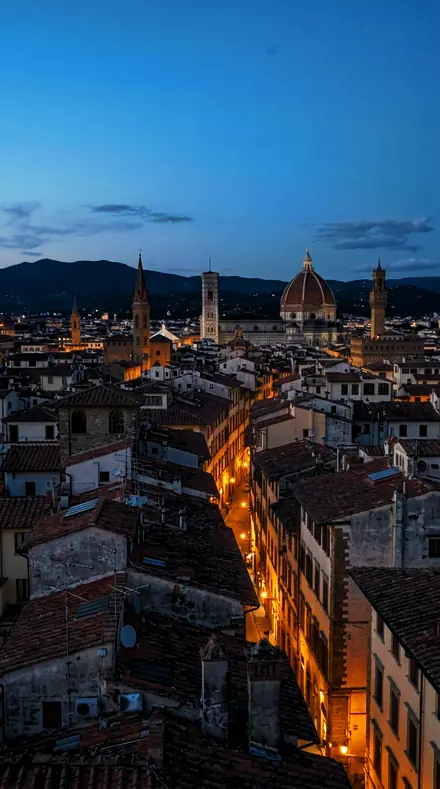
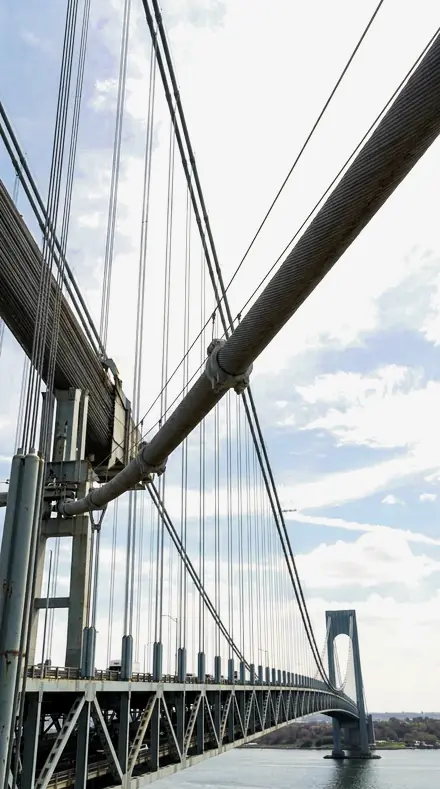
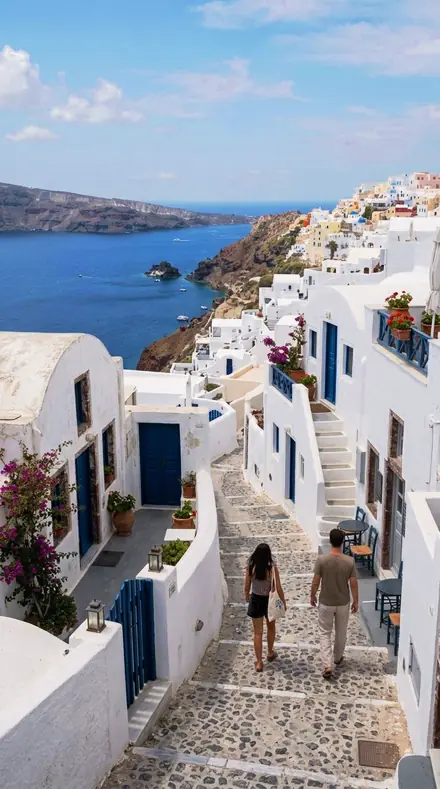
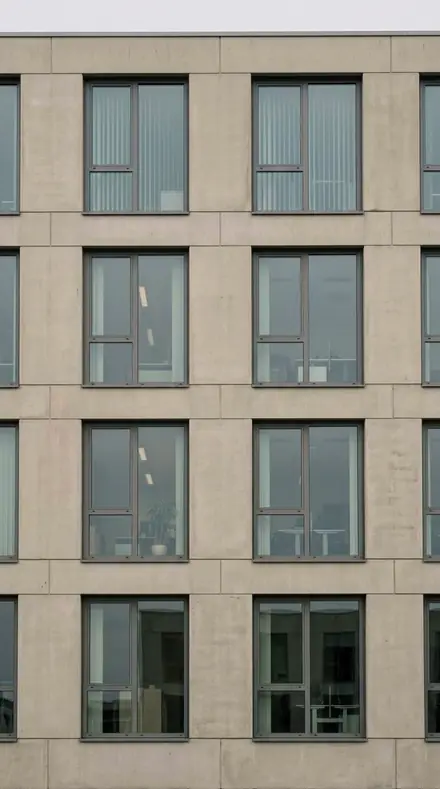
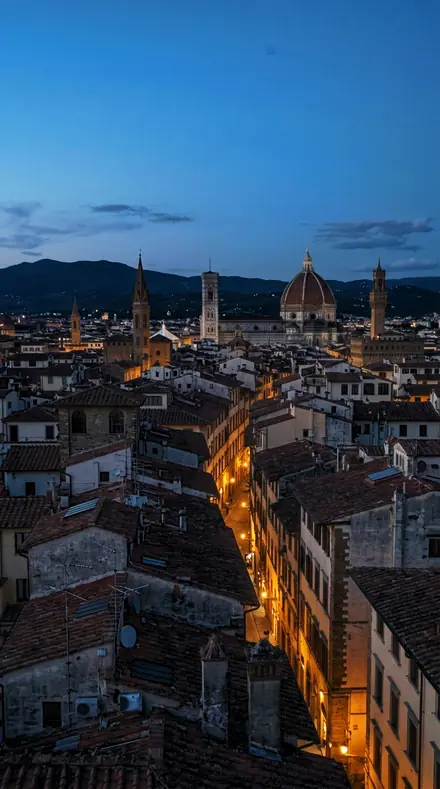
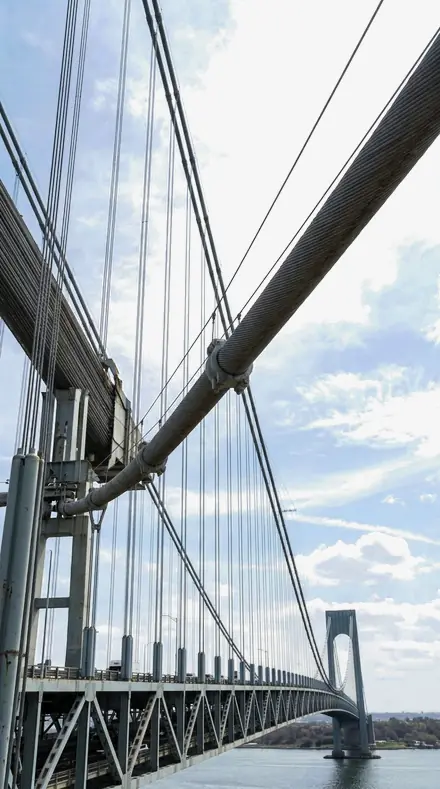
The city
3 presetsLooking down. Brick carried across the distance, the street floor kept warm.
day 05Chimney Fielda field of chimneys and stacks: orange saturation top of range so the brick carries across the distance
![Chimney Field applied to Stop one, the parapet at dusk]()
![Before: Stop one, the parapet at dusk]()
Stop one, the parapet at dusk ![Chimney Field applied to Stop two, the cables against a graded sky]()
![Before: Stop two, the cables against a graded sky]()
Stop two, the cables against a graded sky ![Chimney Field applied to Stop three, the long view to the water]()
![Before: Stop three, the long view to the water]()
Stop three, the long view to the water ![Chimney Field applied to Stop four, the block pattern from above]()
![Before: Stop four, the block pattern from above]()
Stop four, the block pattern from above Drag the handle. Left is the original, right is Chimney Field. Rendered from the preset's own settings, not a Lightroom export, so the real thing carries a little more bite.
day 10Block Patternthe city read as a pattern of blocks: contrast top of range, mid warmth, geometry over colour
![Block Pattern applied to Stop one, the parapet at dusk]()
![Before: Stop one, the parapet at dusk]()
Stop one, the parapet at dusk ![Block Pattern applied to Stop two, the cables against a graded sky]()
![Before: Stop two, the cables against a graded sky]()
Stop two, the cables against a graded sky ![Block Pattern applied to Stop three, the long view to the water]()
![Before: Stop three, the long view to the water]()
Stop three, the long view to the water ![Block Pattern applied to Stop four, the block pattern from above]()
![Before: Stop four, the block pattern from above]()
Stop four, the block pattern from above Drag the handle. Left is the original, right is Block Pattern. Rendered from the preset's own settings, not a Lightroom export, so the real thing carries a little more bite.
day 17Avenue Runa straight avenue seen from above: contrast mid with the strongest orange, so the street floor stays warm
![Avenue Run applied to Stop one, the parapet at dusk]()
![Before: Stop one, the parapet at dusk]()
Stop one, the parapet at dusk ![Avenue Run applied to Stop two, the cables against a graded sky]()
![Before: Stop two, the cables against a graded sky]()
Stop two, the cables against a graded sky ![Avenue Run applied to Stop three, the long view to the water]()
![Before: Stop three, the long view to the water]()
Stop three, the long view to the water ![Avenue Run applied to Stop four, the block pattern from above]()
![Before: Stop four, the block pattern from above]()
Stop four, the block pattern from above Drag the handle. Left is the original, right is Avenue Run. Rendered from the preset's own settings, not a Lightroom export, so the real thing carries a little more bite.
how it works
Yours in two minutes
- Buy the setCheckout takes a card; you get a receipt by email.
- Download instantlyThe preset files download right after payment. Re-download any time from your account.
- Import to LightroomOpen the files in the free Lightroom app (iOS or Android) or Lightroom Classic. Lightroom saves them as presets automatically.
- Tap a presetOne tap applies the full look. Every setting stays editable after.
- Single-user license. Yours to use in personal and client work.
- No redistribution. Don't resell or share the preset files themselves.
- Free app is enough. No Adobe subscription needed for Lightroom mobile.
- Keep it forever. Files live in your account for re-download.

the maker
Why I Make These
I am Netzah Elad Topaz. I take photographs and I build software, and the two keep leading me back to the same problem. You were there. The light was doing something you will not see again. Then the photo comes back flat, and it is not what you were looking at.
Closing that gap is the whole job. Every preset here is built from Adobe defaults by hand, with a written note for what it should do to a picture, and it is judged on real photographs before it ships. Nothing is a filter dropped on top of your work.
What I want is simple. You open a photo you almost gave up on, you tap once, and there it is: the day you remember, not the file your camera handed you. That is worth doing properly.
Netzah Elad Topaz, photographer and software builder
get it
Get Rooftop View
Rooftop View
$79.99
All 18 presets · one-time payment · instant download
Works in the free Lightroom app · keep forever
Instant download after payment. The download link is also sent to your email and stays available in your account.
questions
Asked and Answered
The haze is heavy. Which one first?
Water Tank. It has the strongest dehaze in the set and the lowest blue luminance, so the far edge comes back and the sky still grades down. If it looks crunched, step to Rooftop Parapet.
Does it work at night?
It works at blue hour and dusk, which is when most roofs are shot. Full night with a black sky wants a night collection; the dehaze here is built for distance in daylight.
Do these work in the free Lightroom app?
Yes. Import the .xmp files in the free Lightroom app on iPhone or Android, no subscription needed. They also work in Lightroom Classic and Lightroom on desktop.
What exactly do I get?
All 18 presets from Rooftop View as .xmp files in an instant ZIP download. The link also lands in your email, and the purchase stays in your account so you can re-download any time.
How do I install them?
Two minutes: unzip, then import inside Lightroom. The step-by-step guide covers iPhone, Android, and desktop.
Can I use them for client work?
Yes. The single-user license covers personal and commercial photography. The one thing you can't do is share or resell the preset files themselves.
Can I tweak a preset after applying it?
Always. A preset is a starting point; every slider stays yours to adjust.
What if it's not for me?
Before your first download we refund, no questions asked. After a download, sales are final except a technical fault we cannot fix or a duplicate charge. Details on the refunds page.